Sync speech to face
Lip Sync Studio
Make the mouth match the message.
Drive mouth motion from generated speech or uploaded audio. The lip sync studio connects avatar stills, TTS output, and export — so a single workflow covers script to speaking clip.
UGC-style ads, revoiced clips, multilingual dubbing — if you have a face and a track, you can ship a believable speaking video without reshooting.
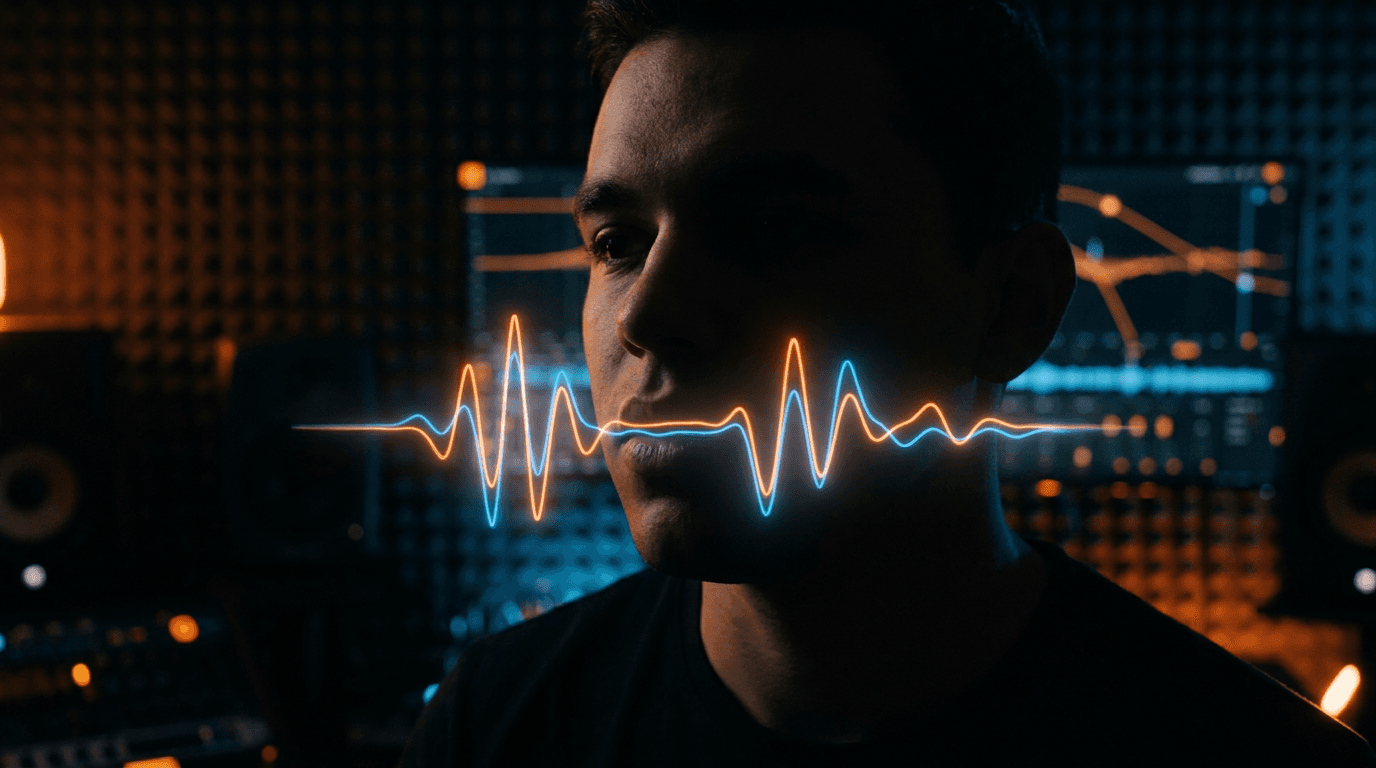
Lip Sync studio
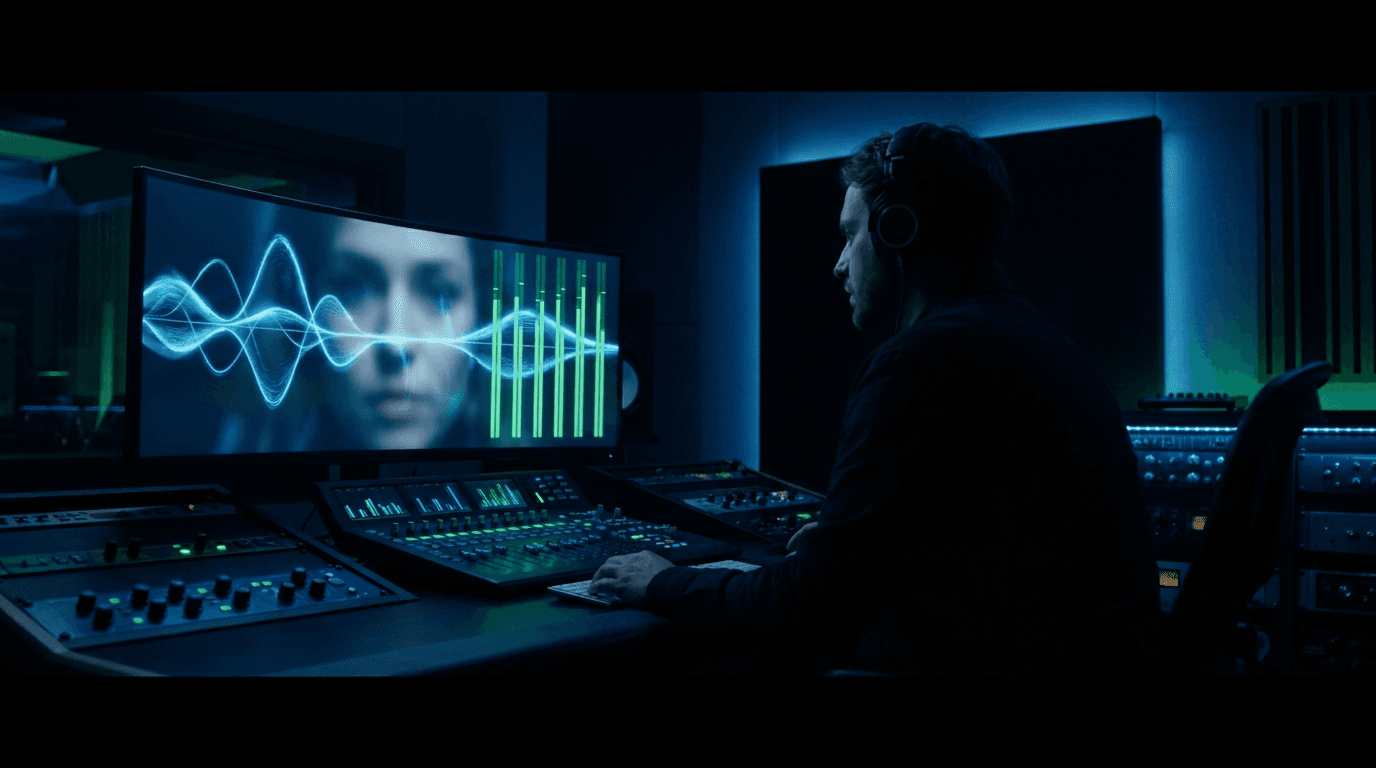
Audio drives the face
Pair a portrait or clip with speech — lip sync closes the gap between voiceover and on-camera delivery.
How it works
Bring face + audio
Use an avatar still or clip plus TTS or uploaded speech.
Pick sync quality
Balance speed and fidelity with model selection.
Export & post
Save to library or polish in the Video Editor.
Inside the studio
Sync speech to any face
Still or video input
Sync a portrait photo or revoice footage you already have.
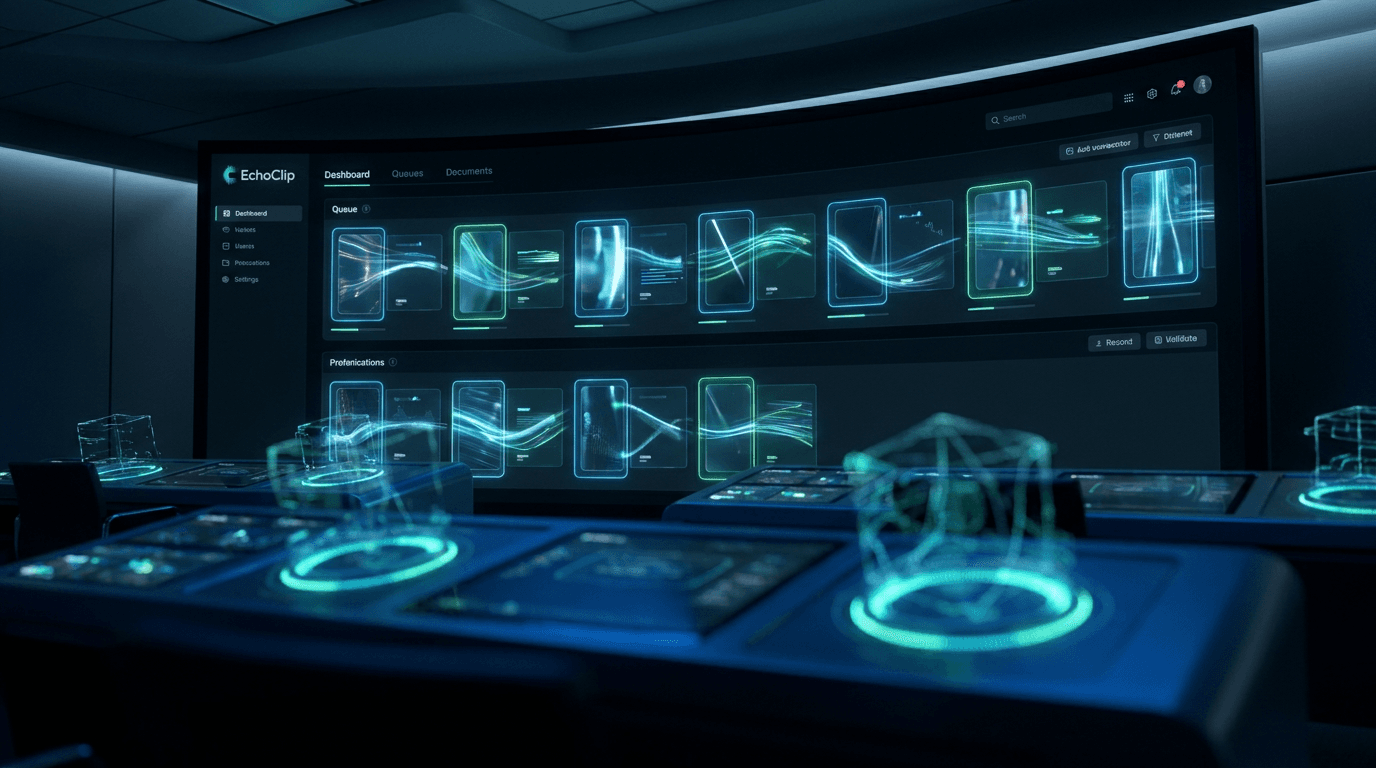
One connected pipeline
Script → voice → lip sync without exporting between apps.
Social-ready output
Export speaking clips sized for feeds and ad placements.
Everything included
- Image and video lip sync modes
- Script-to-speech in one job
- Model selection for quality vs speed
- Library export and editor handoff
Close the gap between audio and face.
Open Lip Sync — pair your track with a portrait and watch it speak.