Loading demo…
Loading demo…
Connections, DMs & comment flows
Social agents
Four social agents. One approval queue.
EchoClip is the control plane for social connections and conversational automation — not just a content calendar. Connect accounts once, pick the agent kind that matches the job, and run everything from a single hub with approvals built in.
Social Agents sit on top of your connected profiles: DM auto-reply, public comment moderation, WhatsApp Business, and the full keyword-comment → private DM → optional follow gate → link flow creators use for lead magnets.

Link Instagram, Facebook, WhatsApp, and more once in EchoClip. Social Agents use the same Postproxy profiles as posting — inbox, comments, and keyword DMs stay in sync.
Comment agent
Like, reply, and hide spam on published posts across your channels. Keep threads warm without babysitting notifications.
Each agent kind gets its own bot avatar and config in the app — the carousel rotates real capabilities, not generic “AI chat” copy.
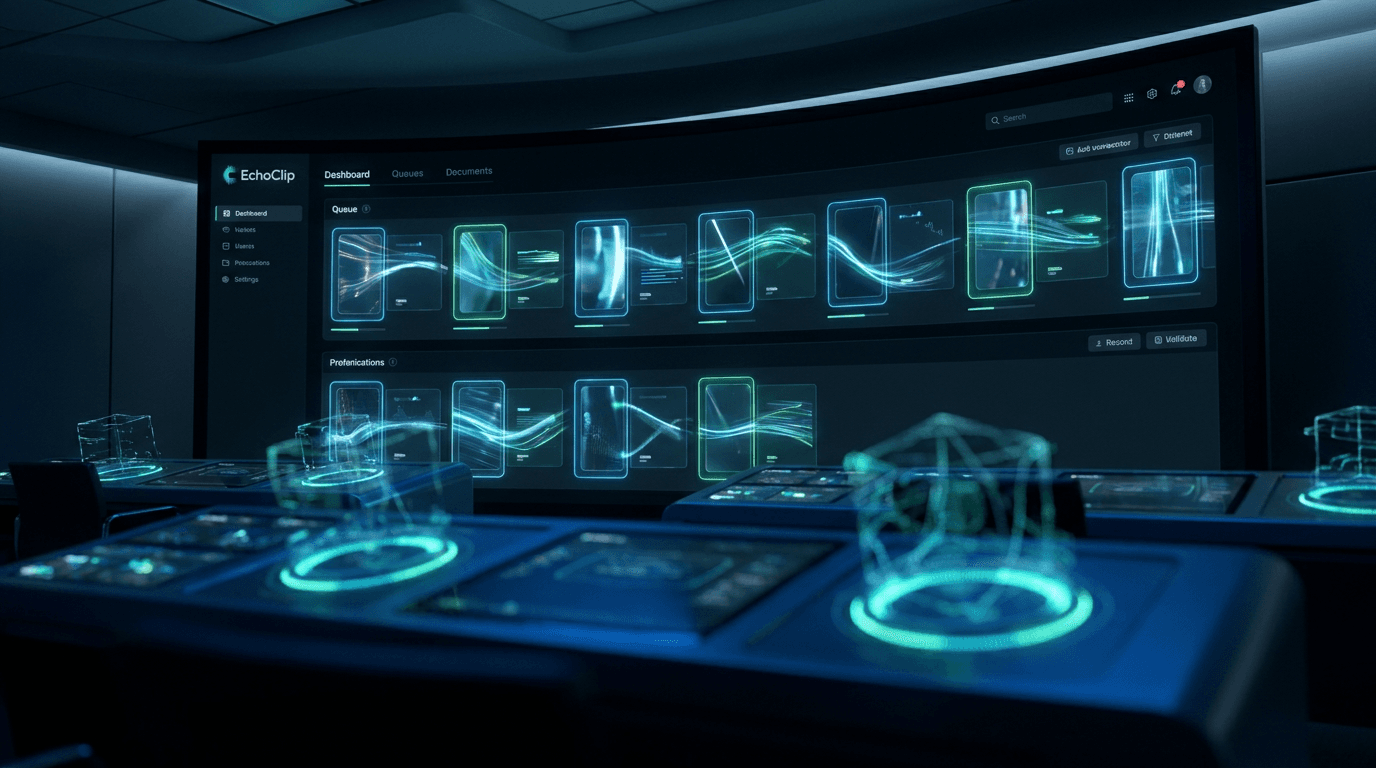
One hub for connections, inbox, and approvals
Social Agents is not a single chatbot — it is six surfaces in EchoClip that share the same Postproxy connections as Posting. Wire accounts once, then operate DMs, comments, and WhatsApp without tab chaos.
Connections
OAuth once, reuse everywhere.
Link Instagram, Facebook, WhatsApp, and the rest through Postproxy. The same tokens power Posting and Social Agents — fix an expired login in one place.
Agents roster
One bot per job, per brand.
Create DM, Comment + DM, Comment, or WhatsApp agents. Attach connected profiles, set persona + knowledge, and choose approval vs auto reply.
Inbox
Every DM thread in one pane.
Read and reply across supported networks without switching apps. Agents draft here when you use approval mode; you send or edit in one click.
Comments
Moderation at post scale.
Review inbound comments, see what agents suggested, and jump into threads that need a human touch — especially on launch days.
Approvals
Nothing sends until you say so.
Default to drafts for DMs and sensitive replies. Approve, tweak text, or reject — then graduate to auto when tone and links are locked.
WhatsApp manager
Templates within Meta rules.
Manage Business templates, button payloads, and session windows so automated WhatsApp stays compliant.
Four agent kinds — what each one actually does
Pick the automation that matches the channel and the job. Every kind below maps 1:1 to the create-agent wizard in the app — same names, same platforms, same approval queue.
- 1
Fan comments your keyword
They type the trigger on a Reel, post, or ad — e.g. “GUIDE” or “WAITLIST”.
- 2
Public acknowledgment
The agent posts a friendly public reply (“Sent you a DM!”) so others see social proof.
- 3
Private DM sequence
A warm intro DM opens the conversation — still in your brand voice from persona + knowledge.
- 4
Optional follow gate
Require a follow before the link sends. Meta can verify via an “I’m following” quick-reply button.
- 5
Link delivery + stats
The lead magnet URL lands in DM. Track replies sent, conversions, and failed deliveries in EchoClip.
Agent kind
Comment + DM agent
Turn comments into DMs that convert.
Fans comment your keyword — the agent sends a friendly DM with your link. Add an optional follow gate and an “I’m following” button so you only share the URL with real followers.
Capabilities
- Keyword trigger on public comments
- Configurable public reply (“Sent you a DM!”)
- Multi-step private DM with your link
- Optional require-follow before link sends
- “I’m following” quick-reply button for Meta follow checks
- Conversion and delivery stats
You configure
- Trigger keyword + link URL
- Public comment reply copy
- DM intro, follow prompt, and link message
- Follow-gate on/off and button labels
- Connected Instagram / Facebook profiles
Best for
Agent kind
DM agent
Inbox coverage while you create.
Auto-reply in your voice, escalate when it matters, and pause when you jump in. One agent per connected profile — no more living in Meta Business Suite.
Capabilities
- Approval or fully automatic reply modes
- Persona + knowledge block (no invented prices)
- Quick replies on first message or always-on
- Trigger and escalate keyword lists
- Business hours with away message
- Pause automation when you reply in native apps
You configure
- Reply mode: approvals vs auto
- Persona tone and FAQ knowledge
- Per-profile attachment
- Rate limits and keyword routing
Best for
Agent kind
Comment agent
Moderation and replies on every post.
Like, reply, and hide spam on published posts across your channels. Keep threads warm without babysitting notifications.
Capabilities
- Reply to comments on published posts
- Like and hide rules for spam or noise
- Keyword-triggered private replies where supported
- Works across major social surfaces from one panel
- Pairs with Approvals when you want a human check
You configure
- Which connected profiles to watch
- Reply templates and moderation rules
- Keyword lists for special handling
- Approval vs auto for public replies
Best for
Agent kind
WhatsApp agent
Business chat with templates and buttons.
Handle WhatsApp Business conversations with approved templates, quick replies, and respect for the 24-hour messaging window.
Capabilities
- WhatsApp Business chat automation
- Approved template messages
- Interactive buttons where Meta allows
- Respects the 24-hour customer care window
- Same approval queue as other agent kinds
You configure
- Business profile connection
- Template selection and variables
- Persona + knowledge for free-form replies inside window
- Reply mode and escalation keywords
Best for
Why teams run agents inside EchoClip
Social connections are the foundation
Every agent attaches to profiles you connect under Social Agents → Connections. Expired tokens surface in one dashboard — fix OAuth once, both posting and agents recover.
Comment keyword → DM link
Set a trigger word, public reply (“Sent you a DM!”), private messages, optional require-follow, and a quick-reply button so Meta can verify the follow before the link sends.
Human-in-the-loop by default
Reply mode starts on approvals for DMs; switch to auto when you trust tone, prices, and links in the knowledge block.
Roster of jumping agents
Each agent gets a bot avatar, live status (working, review, standby), and deep config for voice, accounts, and per-kind settings.
How to go live
Start with approvals, connect production profiles in Connections, then promote to auto-reply when the voice and links match your knowledge block.
Open Social Connections
In the app: Social Agents → Connections. Connect Instagram, Facebook, or WhatsApp via Postproxy OAuth. Enable DMs in Postproxy when Meta requires opt-in.
Pick an agent kind
DM agent for inboxes; Comment + DM for keyword lead magnets; Comment agent for moderation on posts; WhatsApp for Business chat automation.
Attach accounts & voice
Select one or more connected profiles, set persona + knowledge (FAQs, links, policies — the model must not invent prices), and choose approval vs auto reply.
Configure Comment + DM (optional)
Keyword, link URL, follow gate copy, public comment reply, and button labels. Test with a comment on a live post, then watch inbox + approvals.
Operate from one hub
Inbox for DMs, Comments tab for threads, Approvals for drafts, WhatsApp manager for templates — all under Social Agents.
Supported platforms
Connect the channels you publish on — the same profiles power posting, analytics, and social agents where supported.
Connect socials and automate the inbox.
Open Social Agents — connect profiles, then create a Comment + DM or DM agent with your first keyword.