
Upscale & cutout
Tools Studio
Clean assets. Sharper exports. Less Photoshop.
Remove backgrounds, upscale resolution, and prep stills for compositing — without leaving Generate. Tools run on their own credits and return PNGs ready for video or posting workflows.
The difference between amateur and pro is often prep — cutouts that actually edge cleanly, upscales that hold detail. Do it inside EchoClip and keep moving.

Background Remover

Video BG Remover

Upscale
Tools studio
Polish before you publish
Cut out backgrounds and upscale in the same workspace — export transparent PNGs ready for compositing or video.
How it works
Upload or pick a still
Use something from Image studio or your library.
Run cutout or upscale
Choose the tool, see credits upfront, and process.
Reuse everywhere
Download PNG or send the asset back into video workflows.
Inside the studio
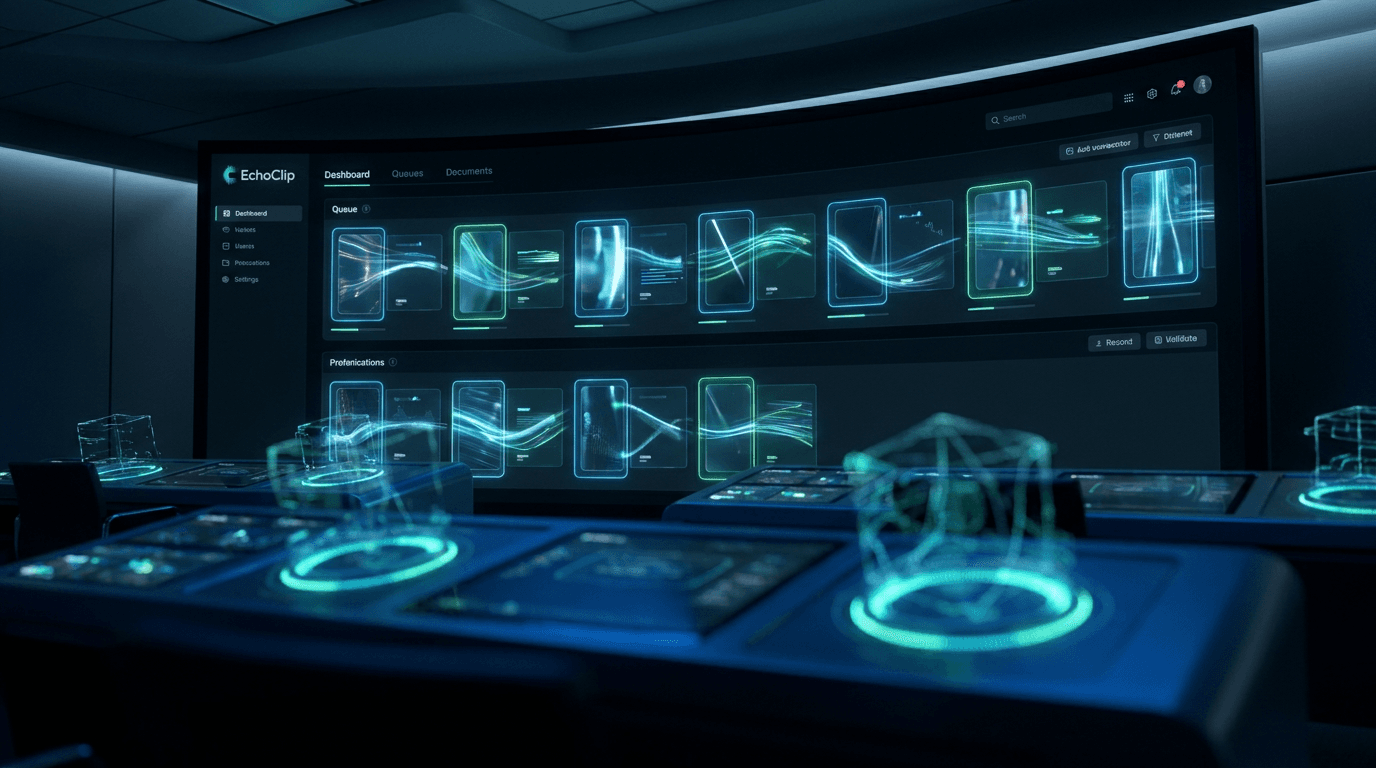
Cutout and upscale in action
Transparent PNGs
Drop cutouts onto timelines, decks, and compositors without halo artifacts.
Upscale on demand
Rescue soft exports before they go live on a big screen.
Same workspace
No tab-hopping — polish an image, then animate it in Video.
Everything included
- Background removal for stills
- Image upscaling for sharper exports
- Transparent PNG output
- Pairs with Video and Image studios
Prep like a pro in two clicks.
Open Tools — cut out or upscale the asset you are about to ship.