01
Import clips
Pull from library or drop uploads onto the timeline.
Timeline, captions, export
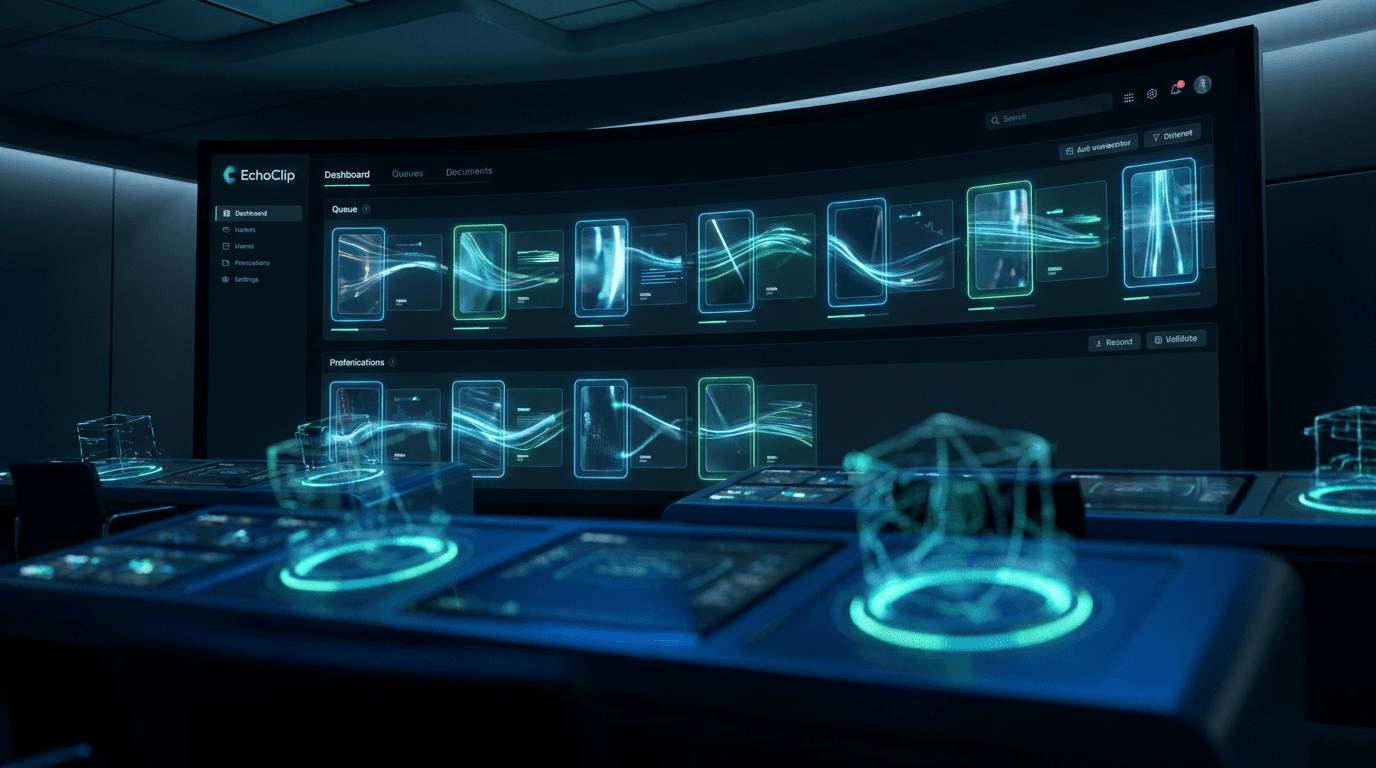
The timeline everything lands on.
Drop clips from Generate, Director, or Agents onto a multi-track timeline. Style captions, fill gaps with AI bridges, and export with presets for every platform.
Stop exporting rough cuts into another NLE. EchoClip’s editor is where hooks get captions, music, and platform-safe exports — same project on desktop when you need it.
Video Editor workflow
Captions, bridge gaps, music, and export presets — the same editor on web and desktop, fed by Generate, Director, and Agents.
Pull from library or drop uploads onto the timeline.
Add styled subs, music, and SFX on separate tracks.
Choose a preset for Reels, Shorts, or widescreen delivery.
Pull from library or drop uploads onto the timeline.
Add styled subs, music, and SFX on separate tracks.
Choose a preset for Reels, Shorts, or widescreen delivery.
Inside the studio
Imports from your EchoClip library — no re-uploading winners from other tabs.
Edit words and timing without round-tripping through a separate captions app.
Start in the browser; open the desktop app for heavier sessions on the same project.
In motion
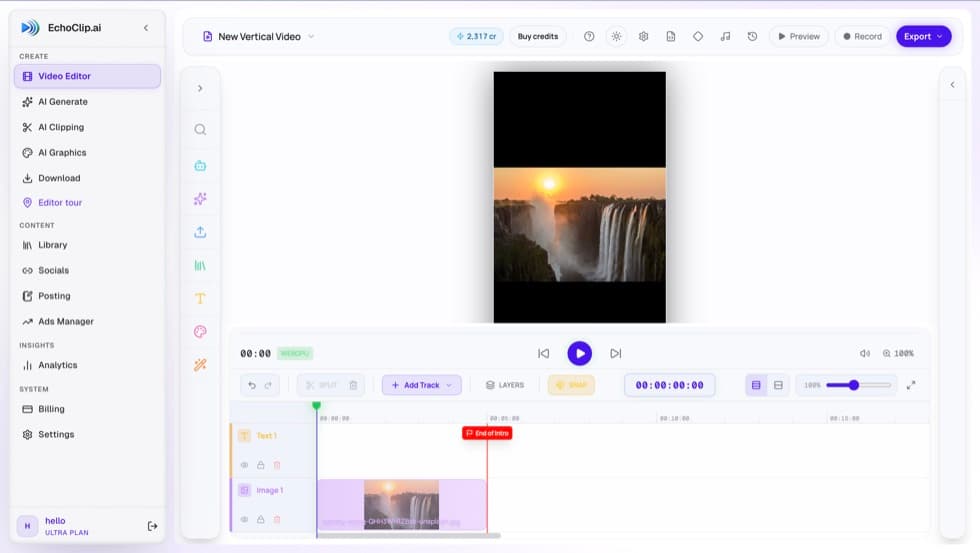
Plays an in-browser walkthrough — only loads when you tap.
Launch the Video Editor — import a clip and export your first captioned cut.